
Compliance with OSH requirements and computer work - what has changed?
As of November 17, 2024, new health and safety regulations have come into force. The new regulation introduces a number of changes aimed at improving ergonomics at work and taking care of workers' health. The new requirements pose new challenges for employers, but at the same time give them the opportunity to create more comfortable and safer workplaces. Employers had six months to adapt their workplaces to the new requirements. According to these changes, an employee who uses a laptop computer should be provided with a desktop monitor or a laptop stand. For at least half of its working time. He should also receive an additional mouse and keyboard and, if he wishes, a footrest.
In addition, he will be able to apply for funding for the purchase of contact lenses.
The screen and additional accessories must also be provided for those who work remotely and hybrid.
Basic health and safety requirements for computer work
According to the new OSH regulations, workstations must meet a number of minimum requirements to ensure that employees work safely and hygienically in front of a screen. These include:
Ergonomics of the position:
- Appropriate distance of the screen from the eyes: The distance between the worker's eyes and the monitor should be between 40 cm and 75 cm.
- Monitor position: The monitor should be positioned so that its top edge is slightly below the worker's eye level.
- The right chair: The chair should be ergonomic and provide adequate back support while working.
- Footrest: If necessary, the employee should be provided with a footrest.
Lighting:
The workstation should be adequately illuminated, and the light source should not cause glare on the monitor screen. It is recommended to use natural lighting and artificial lighting of appropriate color and intensity.
Software:
Software should be easy to use and tailored to the needs of the employee. According to the current Health and Safety Executive, an employee should be able to customize the font size, icons and other user interface elements.
Interruptions:
Employer must provide employees with regular breaks from computer work. It is recommended to take breaks every 45-60 minutes, lasting at least 5 minutes.
Training:
Employees must be properly trained in safe and sanitary working practices. Training should include information on ergonomics of the workstation, dangers of computer work and ways to eliminate them.
Obligations of the employer and rights of the employee, and OSH
According to the new OSH regulations, the employer is obliged to provide employees with safe and hygienic working conditions at the computer. This means that he must bring the workstation into compliance with the minimum health and safety requirements mentioned in the previous paragraph.
He should also ensure that employees receive adequate training in safe and hygienic computer work. The introduction of the legislation was aimed at protecting health. Prolonged work at a laptop forces an unnatural body position, which can lead to vision problems. During preventive examinations conducted after the pandemic, many remote workers were found to have this type of ailment. Therefore, it is also the employer's responsibility to regularly inspect the working conditions at the workstations.
The employee, however, has the right to:
- Work in a position that meets minimum health and safety requirements.
- Participate in training on safe and hygienic computer work.
- Report to the employer comments on the working conditions and demand their improvement.
- Use of preventive examinations, if necessary.
Important: An employer may not force an employee to work in a position that does not meet minimum health and safety requirements. An employee who does not feel safe at his workplace can report it to the State Labor Inspectorate.
What products will help you adapt your workplace to the new health and safety requirements?
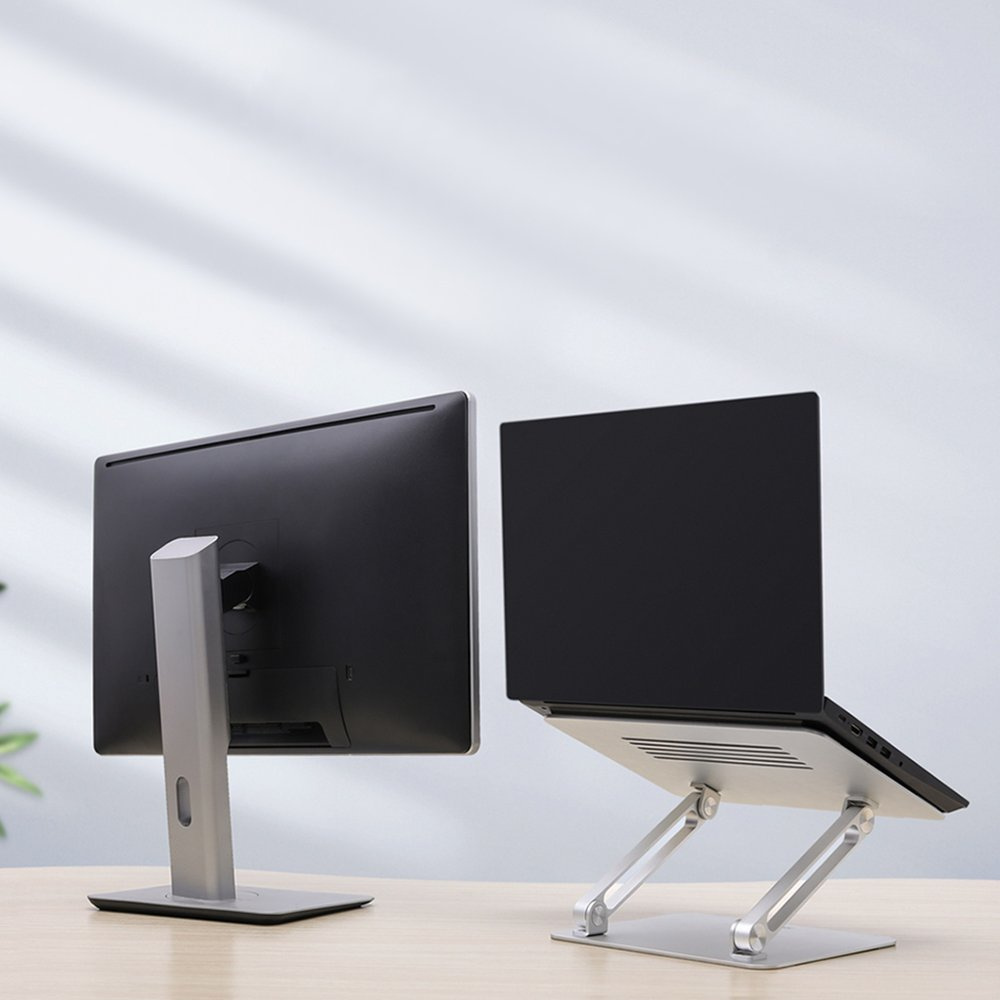
Ergonomic monitors
The monitors are height, tilt and swivel adjustable, allowing them to perfectly fit the needs of the employee. Some of the models also have an eye fatigue reduction feature. What is especially important for people who work at the computer for long periods of time.
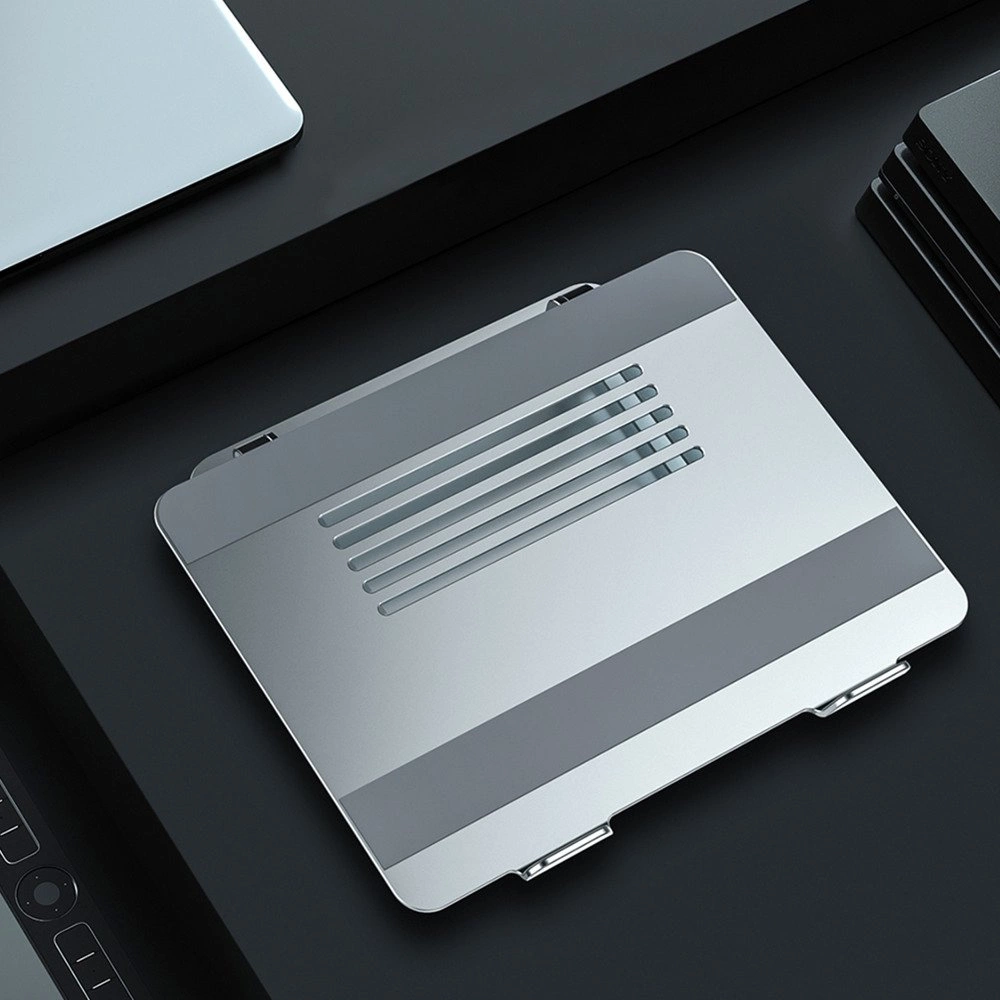
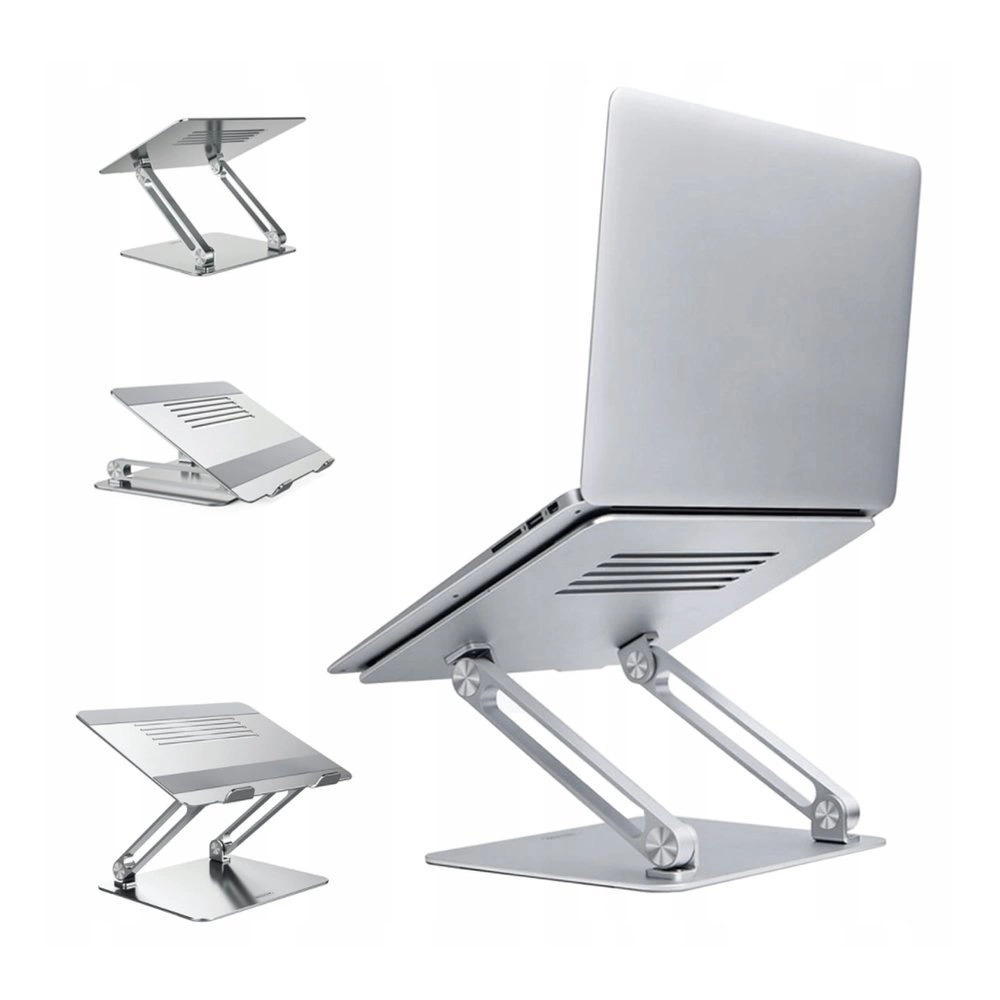
Laptop stands allow you to elevate your laptop to the right height, which improves working comfort and reduces the risk of back pain. Different types of bases are available, m.in. adjustable, foldable and with additional features such as laptop cooling.
Our favorite is the aluminum nillkin brand laptop stand. This product is an ideal solution for those who work at a laptop. The stand allows you to raise your laptop to the right height, which improves working comfort and reduces the risk of back pain. In addition, the stand is adjustable, allowing it to fit the height of the worker.
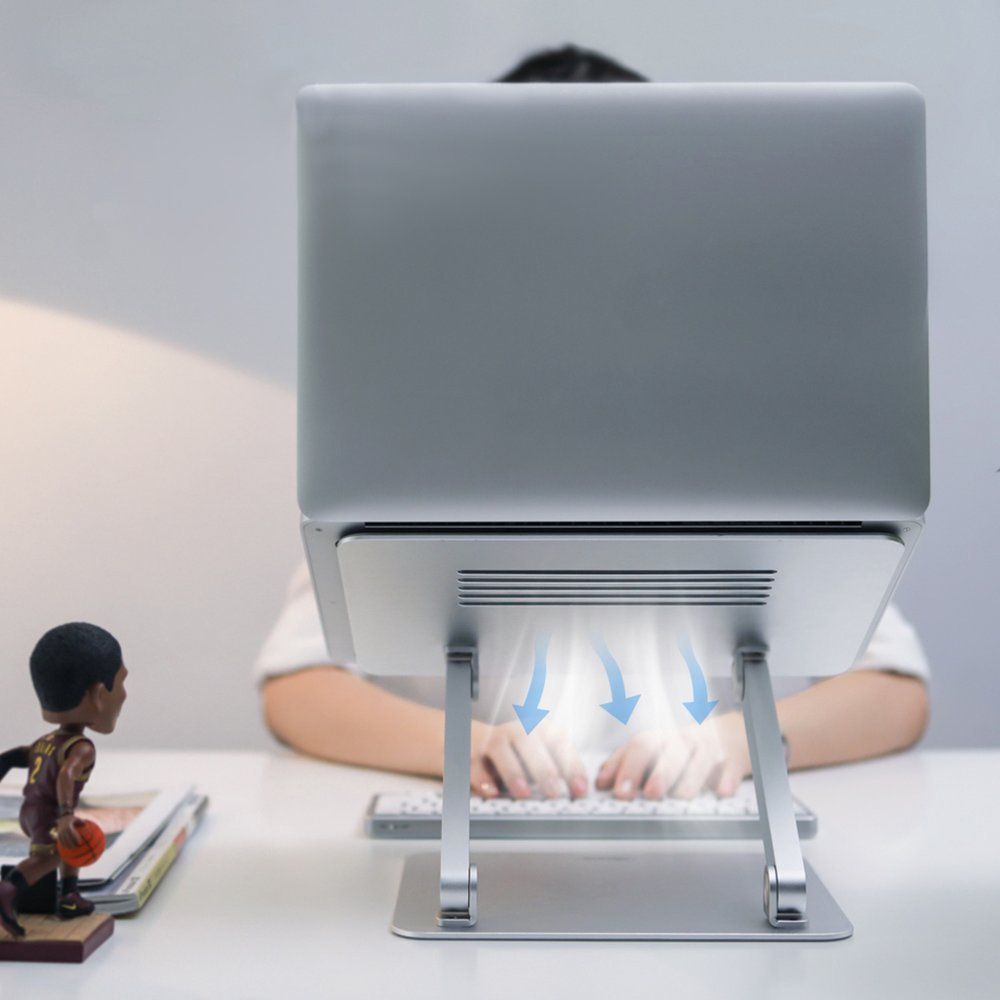
The stand is made of high-quality aluminum, the surface of which has been further reinforced. Thanks to this, the product looks exclusive and stylish, and at the same time perfectly dissipates heat from our computer through the use of special vents.
An important factor in the ergonomics of working at a computer is the positioning of the monitor. Unfortunately, laptops don't have this capability, leaving us exposed to constant humping while working. This can cause back pain in the cervical region. Therefore, the new regulations require the use of a pad.
By using the Nillkin ProDesk laptop stand, your work will become more comfortable and comply with health and safety guidelines.
Computer glasses
Computer glasses protect eyesight from harmful blue radiation emitted by monitor screens. They reduce visual fatigue, headaches and dry eyes.
Ergonomic chairs
Ergonomic chairs provide adequate support for the back and spine, which reduces the risk of pain and fatigue. Various types of chairs are available, m.in. with height, backrest, armrest and headrest adjustment.
Footrests
Footrests allow comfortable positioning of feet while working in accordance with health and safety regulations. They reduce the risk of swelling and leg pain.
Ensure health and safety at the computer
New OSH regulations for workplaces equipped with screen monitors improve ergonomics and care for employee health. Employers are required to adapt workstations to the new requirements, and employees have the right to comment on working conditions. And demand their improvement.
In addition, the employee should confirm that he or she is familiar with the new applicable requirements and that his or her position meets health and safety regulations.
Employees who did not receive a monitor or stand should inform their employer about it.
The changes made to the labor law are aimed at adapting regulations to the rapidly growing technology sector. And especially to the realities of working remotely. One of the key aspects of the new regulations is concern for the health of workers.
Employers are required to provide employees who perform their duties using a desktop or laptop computer for at least half of their daily working hours with appropriate equipment that allows an ergonomic working position. This may include a laptop stand, additional monitor or monitor shelf.
Ergonomic workstation, with particular attention to correct screen height, minimizes the risk of negative health effects associated with prolonged sedentary work. An improperly positioned monitor (too low or too high) forces an unnatural body position, which can lead to back pain, discomfort, and a consequent decline in mood, energy and productivity.
The final decision on the type of equipment assigned to the employee (e.g., stand, monitor) rests with the employer. The employer is not required to grant requests to replace assigned equipment with other equipment if the originally assigned equipment meets ergonomic standards.
The new regulations are an important step towards protecting the health and comfort of those performing their duties remotely. The employer's provision of a suitable workstation not only affects the health of employees, but also their productivity and commitment.